
BHAI Free
$0 free to get started
Get familiar with the MT5 tools.
- Quick manual trades on the MT5 chart.
- Basic chart displays.
- See feature access labels in the app.
BH AI TRADING METATRADER 5
Follow your account, analyse charts and manage bots in one app. Start with BHAI Free and explore more trading tools with Pro.
Windows 10/11 · 64-bit Start with Free
New to BHAI? Read the setup guide ↗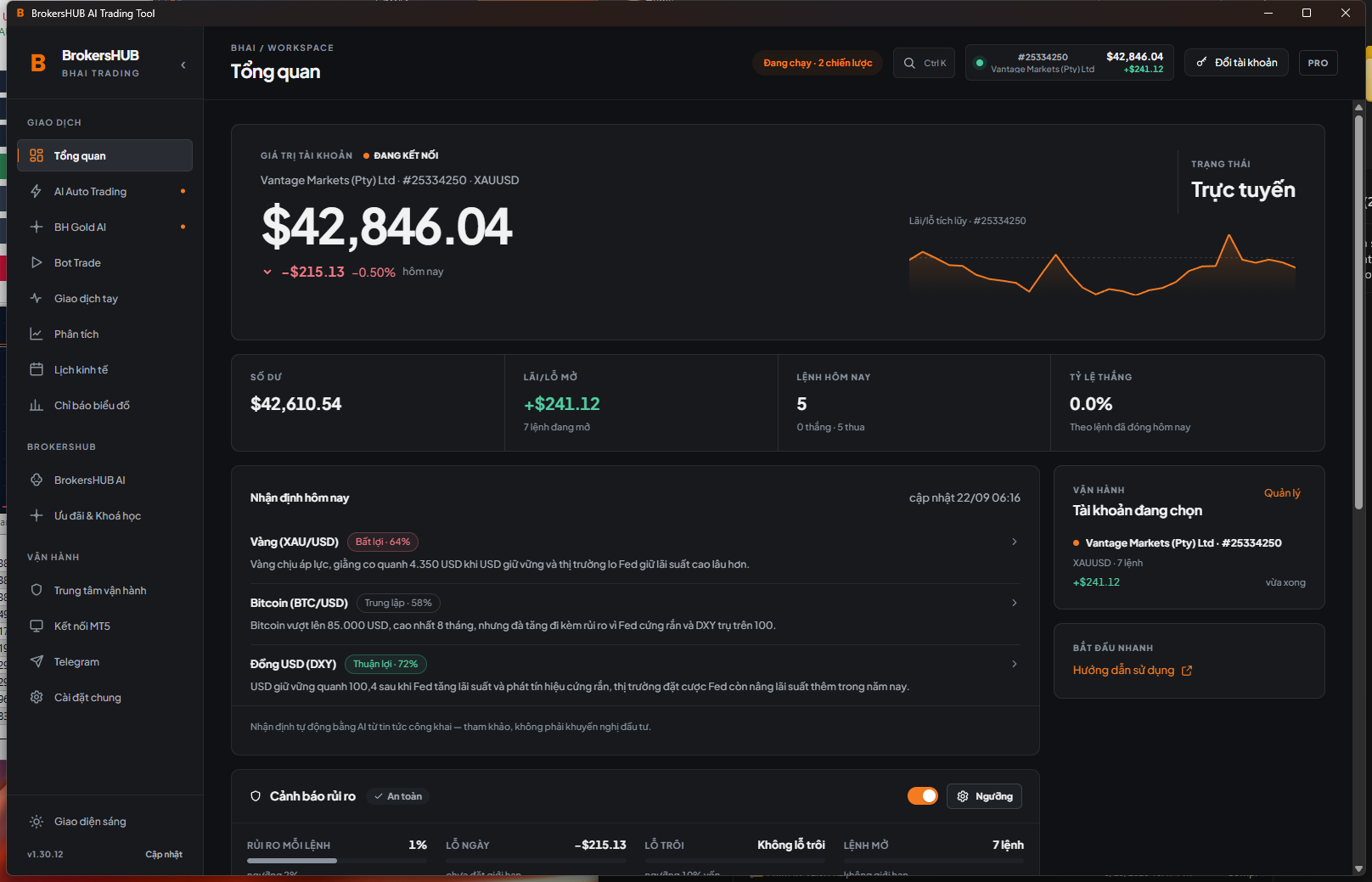
01 / YOUR TRADING WORKFLOW
From gold trading to signal-based entries. Each engine has its own settings and state to review.
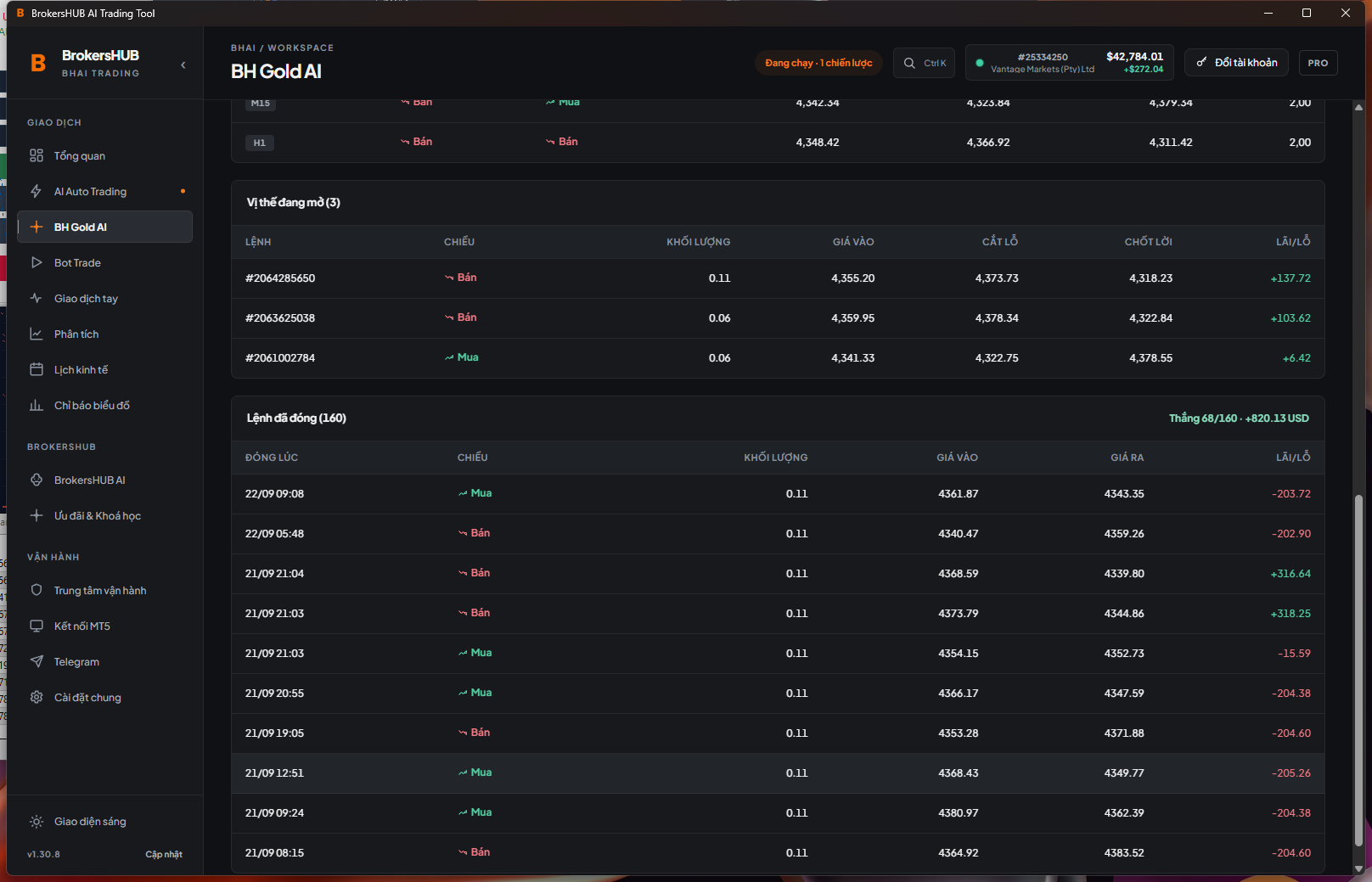
Choose Standard or Scalping mode and see the trading state and entry conditions in one place.
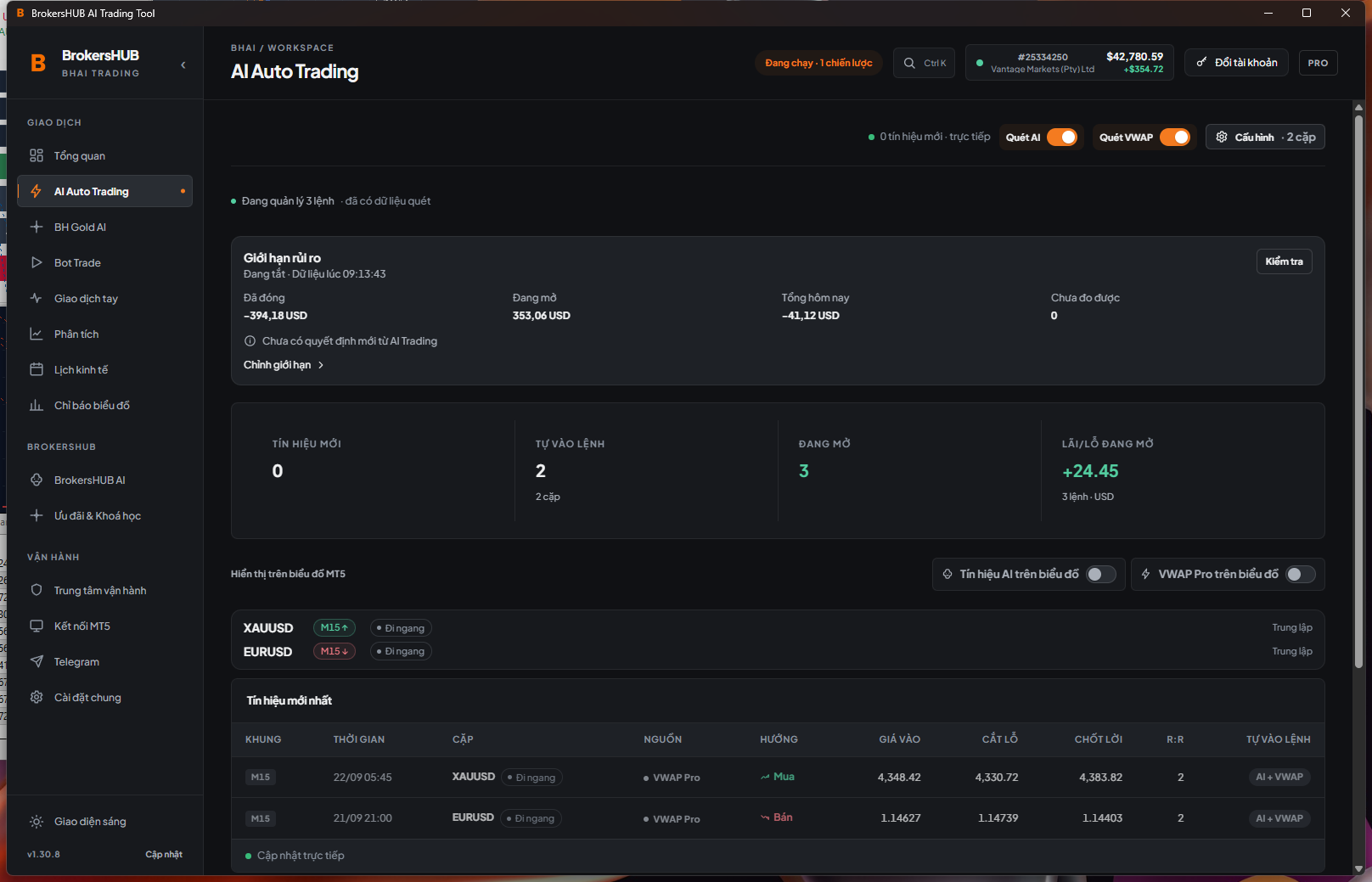
Choose signal sources, symbols and timeframes. Review the configuration before enabling automatic entries.
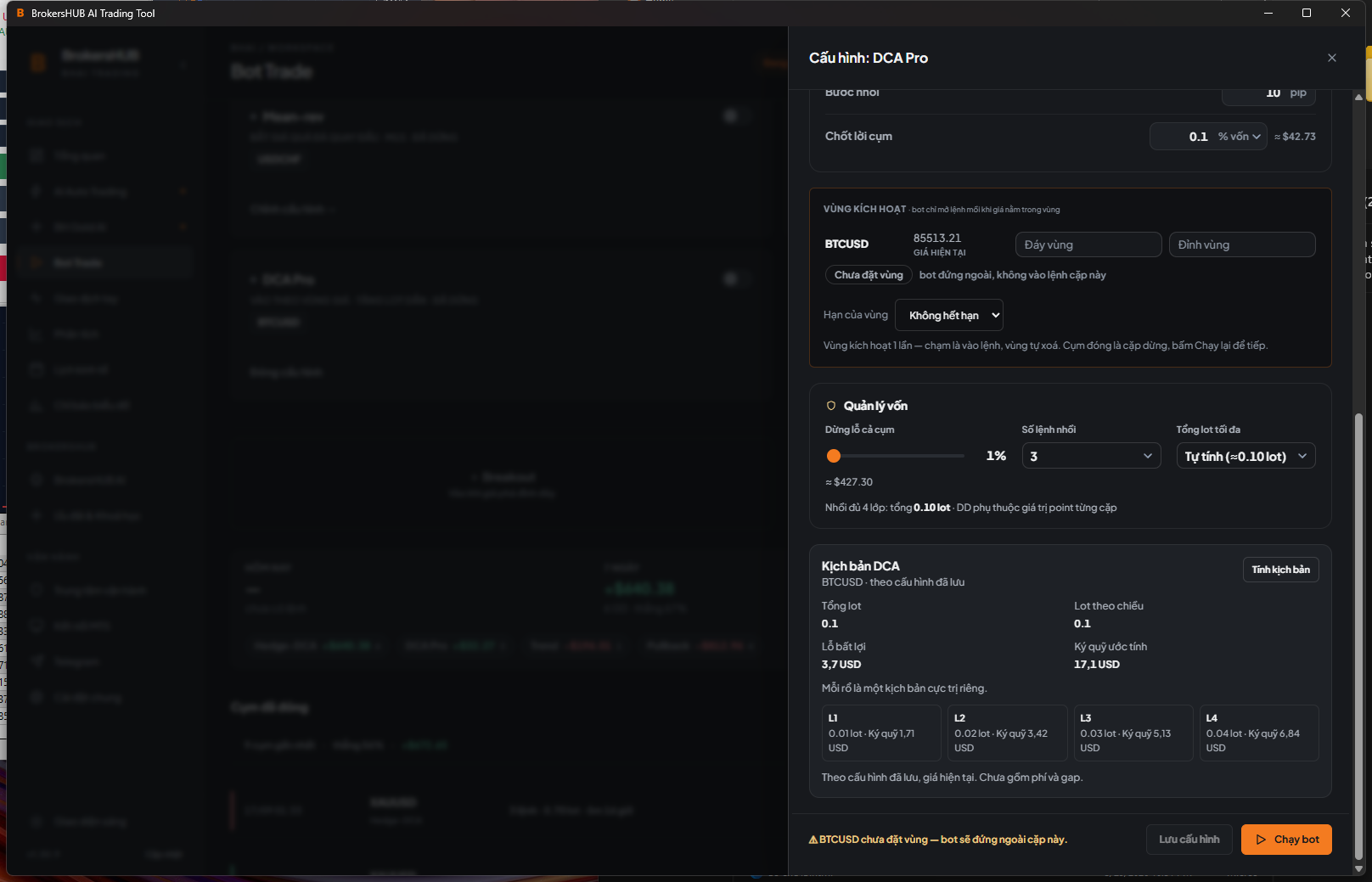
Set a strategy, price zone and DCA limits. Preview a scenario to understand how a basket could develop.
02 / STAY IN CONTROL
Check connections, settings and limits before starting. When you need to act, review the scope and the response from MT5.
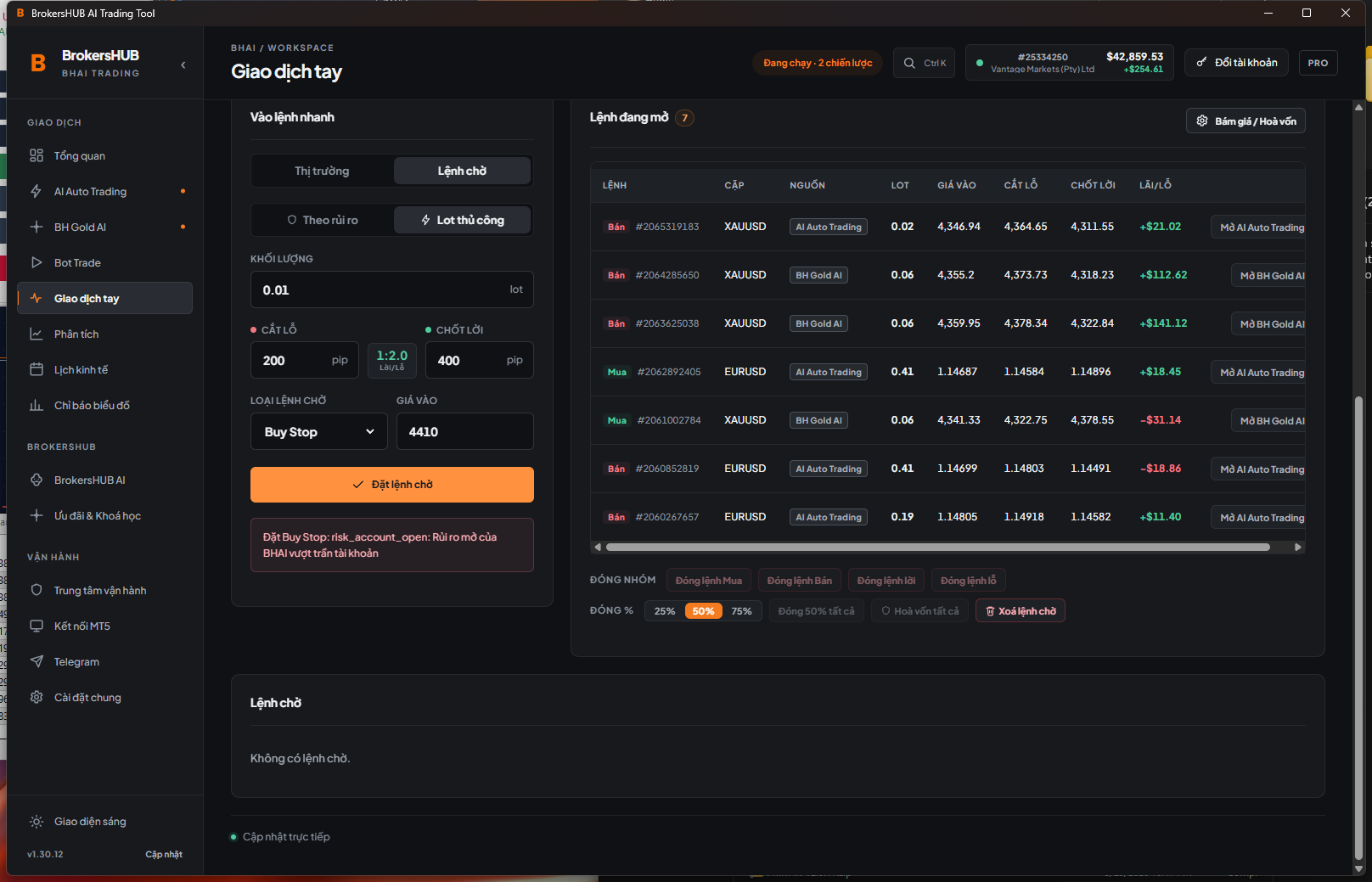
Review the selected account, connection state and trading permissions in the app.
Set appropriate limits. Emergency stop affects only the BHAI scope shown in the confirmation.
Review decisions, responses and sync status. A pending record is not yet confirmed as saved on the server.
ACCOUNTS & KEYS
One email can own several keys. Save profiles for quick selection; each session controls one MT5 account and one server.
Save and switch accounts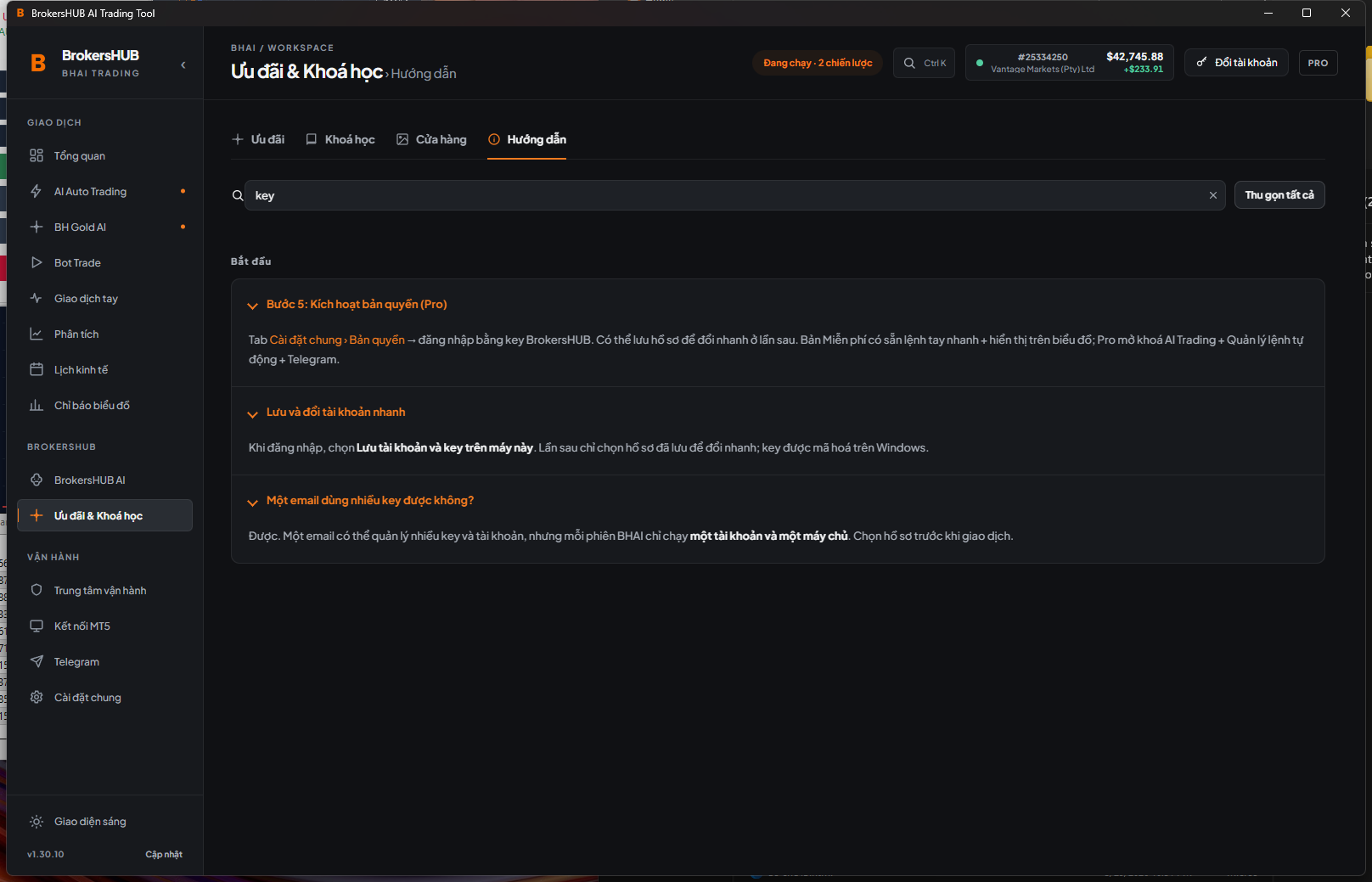
03 / GET STARTED
Install the Windows 64-bit app. Prepare an MT5 terminal and sign in to a demo account to get familiar.
Select the terminal, install the MT5 tools and enable the required permissions. Check the account and server.
Start with Free features. If eligible, claim a 7-day Pro trial key to explore more.
04 / FREE & PRO
Pro is billed per MT5 account. Choose a term and renew when needed. No automatic charges.
BHAI Free
Get familiar with the MT5 tools.
BHAI Pro 7-day trial
Add in-app trading controls and Pro tools.
Send your MT5 account number to check Pro offers. Active BrokersHUB IB partners receive Pro free.
BrokersHUB may receive a commission when you open an account through a referral link. View terms ↗
EXPLORE PRO
Enter your email to receive a trial key. Open BHAI, connect MT5 and select your account to activate.
BUY & RENEW
Use your registered email and the correct MT5 account number. You do not need to enter your key to renew.
One subscription covers one MT5 account. Double-check the account number before creating an order.
Free includes quick manual trades and basic displays on the MT5 chart. In-app trading controls, BH Gold AI, AI Auto Trading and features marked Pro require a valid Pro key.
BHAI currently supports Windows 10/11 64-bit and compatible MT5 terminals. Enable Algo Trading and DLL imports as explained in the guide. BH Gold AI needs a supported gold symbol.
Yes. One email can own several keys and saved profiles. Each BHAI session controls one MT5 account and one server. You still sign in to the correct account in MT5; BHAI does not store the MT5 password.
No. Switching profiles blocks new entries on the deselected account while existing positions remain managed. Closing the app window does not stop the bot in MT5.
Each email and each MT5 account can claim a trial only once. Eligible signups receive a key on the confirmation page and by email. No card and no automatic renewal.
Enter your registered email and MT5 account, select a term and create an order. The order page shows the amount, USDT network and receiving address. Use the correct network and submit the transaction hash for review.
No. BHAI supports analysis and automation based on your settings. DCA and hedging can increase exposure; slippage, fees and disconnections can change the outcome. Start on a demo account.
BH AI TRADING
Download the app free and get familiar with your account, one step at a time.